
HOW APEX LEND WORKS
One guided system for every loan path on the site
From personal loans and debt consolidation to emergency, medical, auto refinance, title, student, mortgage, home equity, and large expense requests, Apex Lend gives you one clear process: choose the right loan type, submit your details securely, and move forward with fast next steps.
Single secure application
Loan-type preselection
Mobile and desktop ready
PROCESS OVERVIEW
Different loan goals, one connected experience
- Choose the loan reason
- Enter amount and personal details
- Add contact, address, and banking information
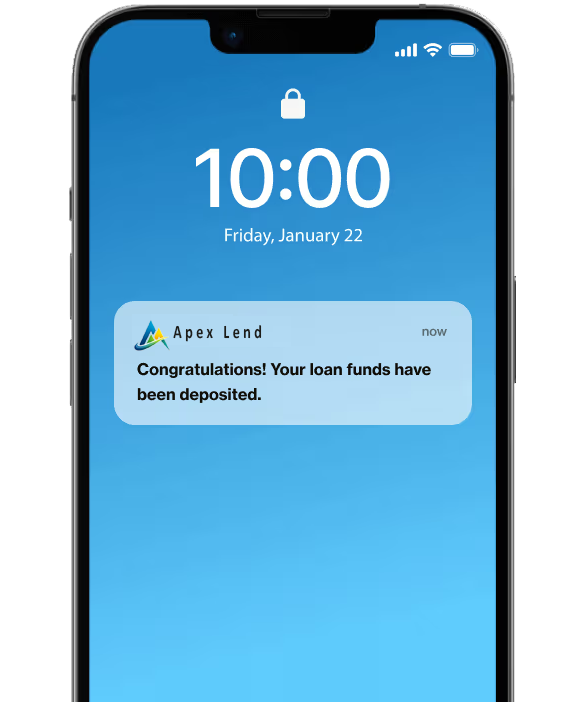
- Receive confirmation and executive follow-up
LOAN SYSTEMS
Every loan page can lead into the same secure application
The site is structured so users can start from the exact borrowing need they have, then continue into a single Apply Now flow with the loan reason already selected and, where available, the amount already carried forward.
Personal Loans
General-purpose borrowing for planned expenses, projects, and everyday financial needs.
Debt Consolidation
Bring multiple balances into one clearer request path and simplify monthly planning.
Emergency Loans
Built for urgent situations where timing matters and fast action is important.
Medical Loans
Use a structured borrowing route for treatment costs, procedures, and health-related expenses.
Auto Refinance
Explore refinancing options through a cleaner entry point designed for vehicle-related goals.
Mortgage and Home Equity
Home-based borrowing pages are positioned as separate entry points into the same application framework.
Student and Title Loans
Specialized pages help users start from the right reason before continuing into Apply Now.
Large Expense and Business Paths
Purpose-led pages help users begin from a relevant scenario instead of a generic form.
APPLICATION FLOW
How the full Apex Lend application works step by step
The application flow is built to stay consistent no matter where the user enters the site. That keeps the process simpler, reduces confusion, and makes it easier to complete on mobile or desktop.
Start from a loan page or Apply Now
Users can begin from personal, debt, emergency, medical, title, mortgage, home equity, student, auto refinance, business, or large expense pages.
Select the reason and enter the amount
Loan type is auto-selected when users arrive from a matching page, and some source pages can also carry the amount forward.
Complete the personal and contact steps
Names, email, phone, and other fields use stricter validation so the application is cleaner before submission.
Add address and banking details
Google Places can help with address autofill, and routing lookup can detect the bank name and bank branding automatically.
Submit securely
The form is posted through the PHP submit flow, stored in SQL, and emailed to the admin inbox for immediate review.
Receive confirmation and follow-up
The applicant sees a loading state, reaches the thank-you page, and can receive a separate customer confirmation email as well.
WAYS TO APPLY
Users can reach the form in multiple smart ways
The system is no longer limited to one isolated form page. It is connected across the site, so different content pages can still feed into the same structured application.
- Directly from the main Apply Now page
- From loan-specific pages with preset loan reason
- From pages that also pass the entered loan amount
- From homepage loan cards and targeted service sections
What gets prefilled
- Loan reason: carried from matching loan pages into Apply Now
- Loan amount: carried forward from supported source forms
- Address details: can be assisted by address autocomplete
- Bank name: can autofill from routing number lookup
Why this matters
Fewer repeated steps means less friction, cleaner submissions, and a more guided path from the first landing page to the final thank-you confirmation.
WHAT TO HAVE READY
The details users may need before they submit
A cleaner application starts with the right details. This section explains what users typically prepare so they can complete the process with fewer interruptions.
Personal information
First name, last name, and accurate identifying details entered in the proper format.
Working contact details
Valid email and phone information so support and follow-up can happen without delay.
Current address
Street, city, state, and ZIP information that can be checked and autofilled more accurately.
Banking details
Routing number and bank name, with lookup support available for a smoother final step.

BEYOND THE FORM
The process continues after submission
The system is designed to do more than just collect form fields. After submission, the data can be stored, routed by email, used in customer confirmation messaging, and paired with a thank-you experience that reflects the applicant's name and loan context.
- SQL lead capture for submitted applications
- Admin email notification flow
- Separate customer confirmation email template
- Thank-you page personalized with applicant details
READY TO START
Choose the right loan path and submit with confidence
Start from the page that matches your borrowing goal or go directly to Apply Now if you already know you are ready.